RediCLI
Terminal Redis manager, 2025, built in 48 hours

Overview
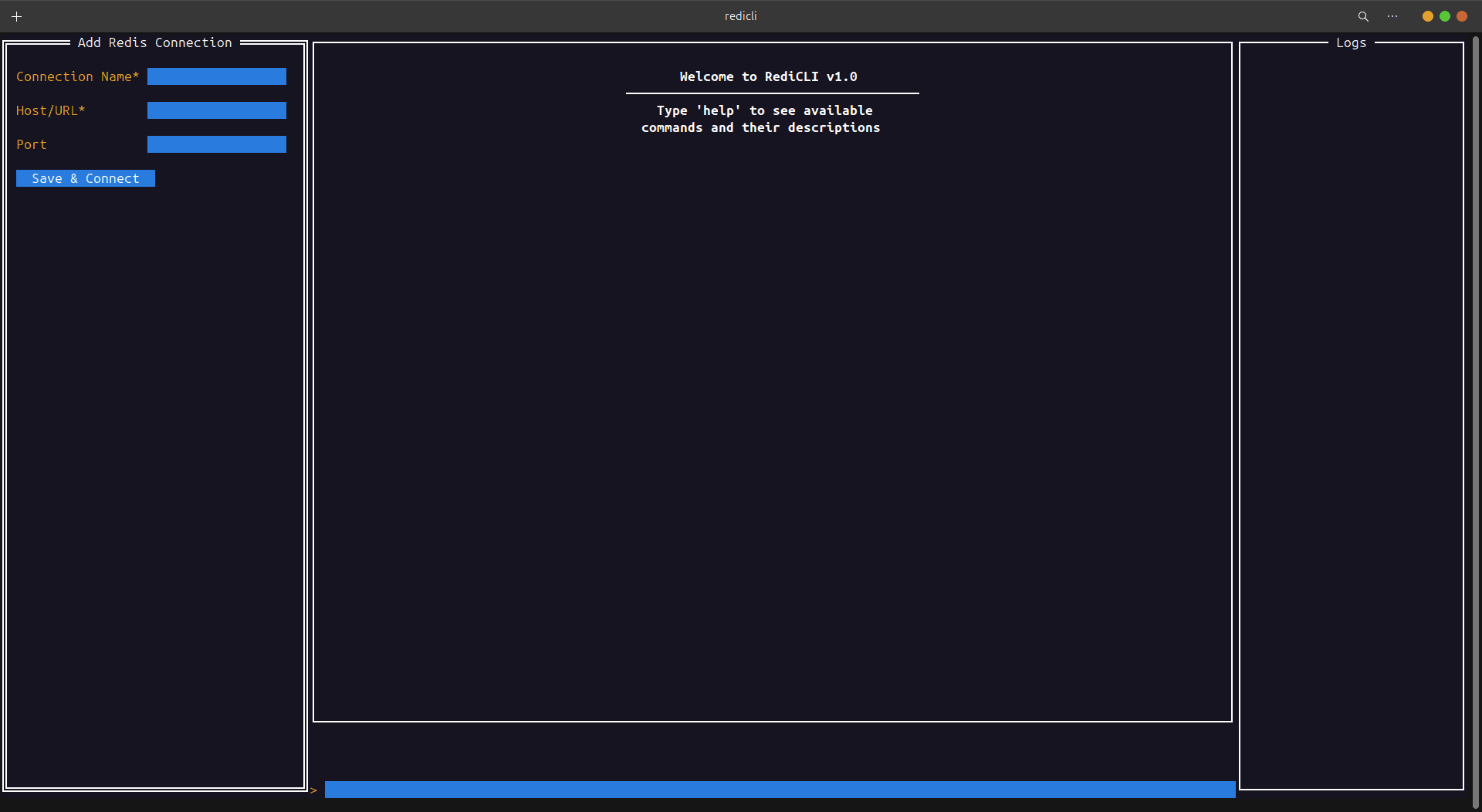
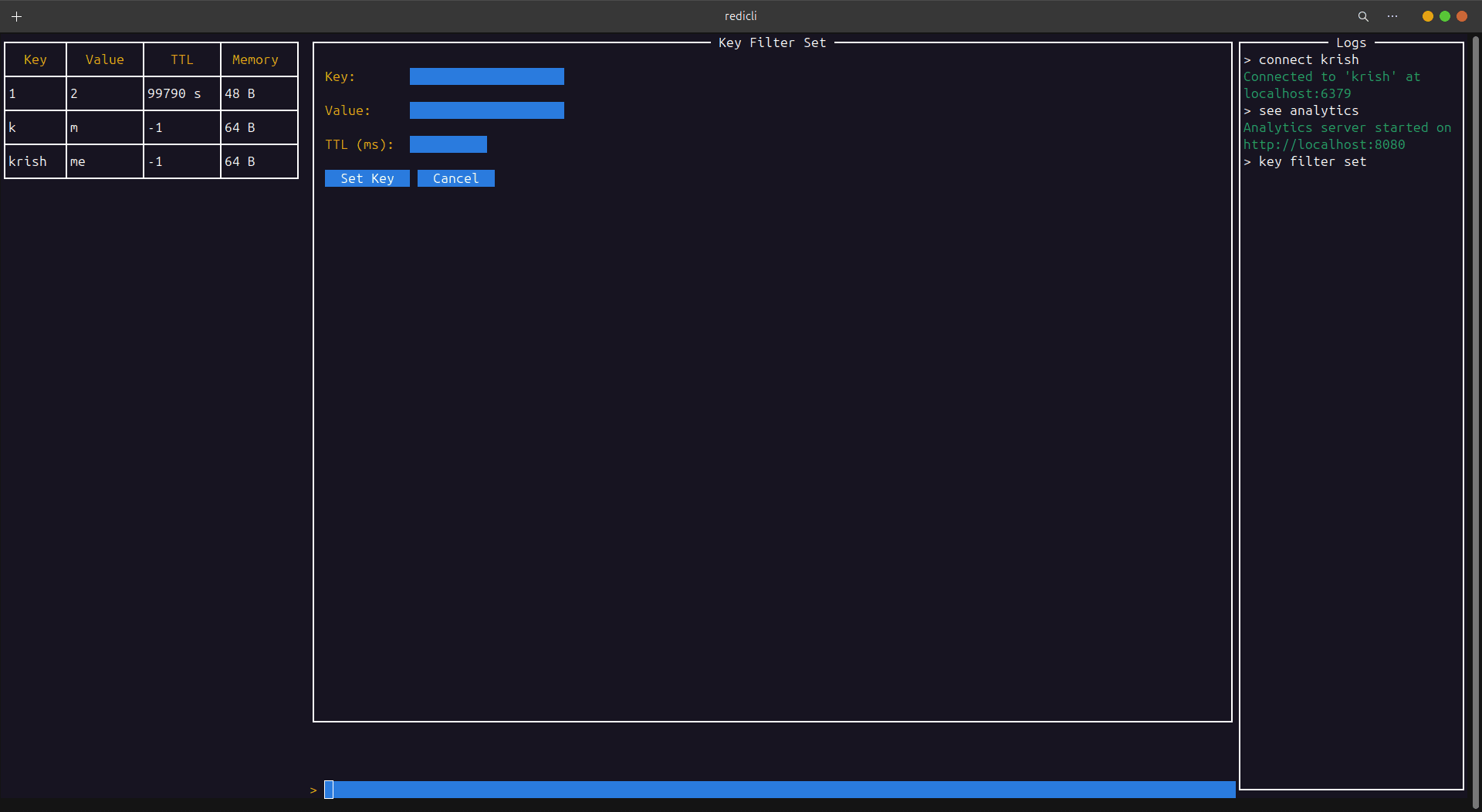
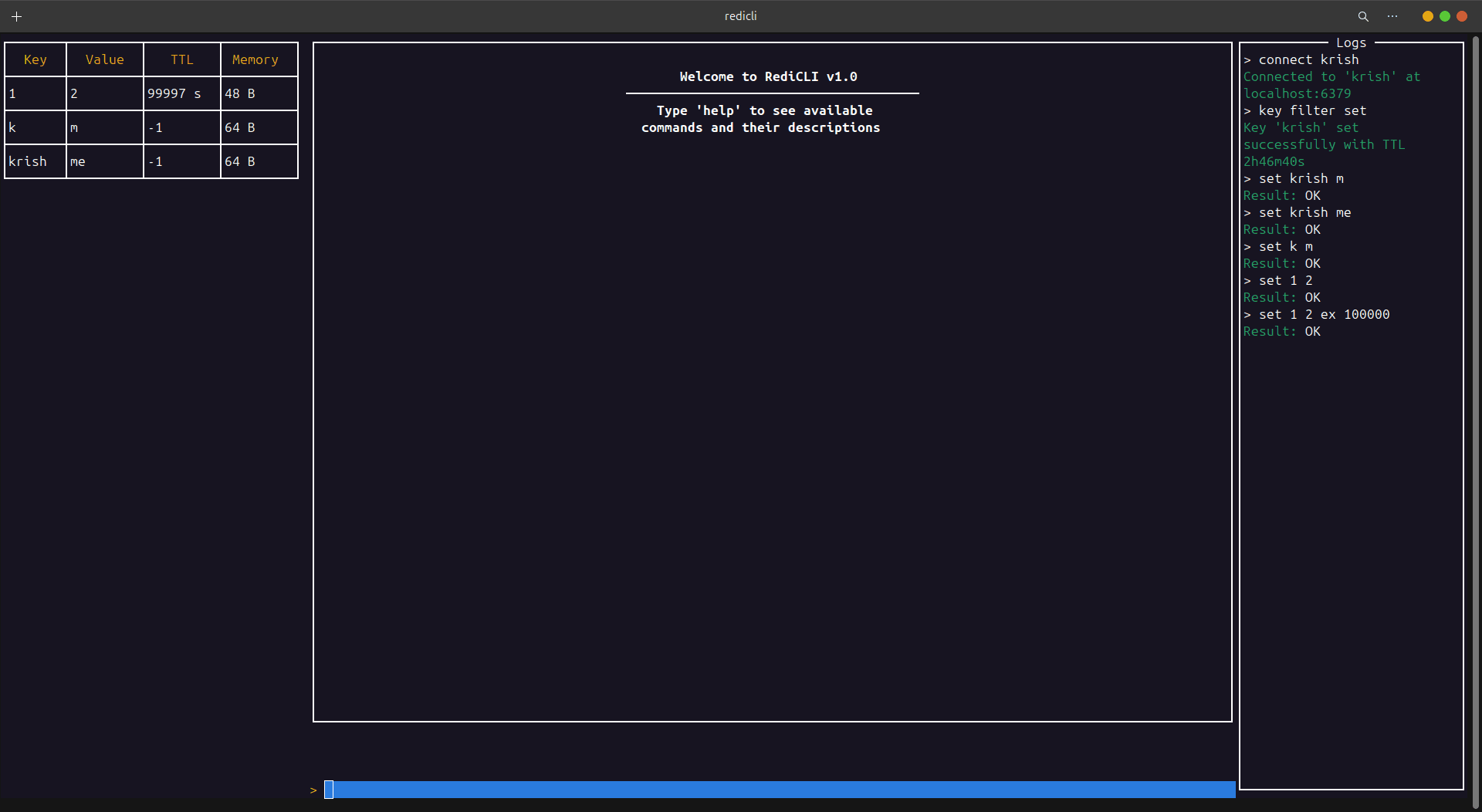
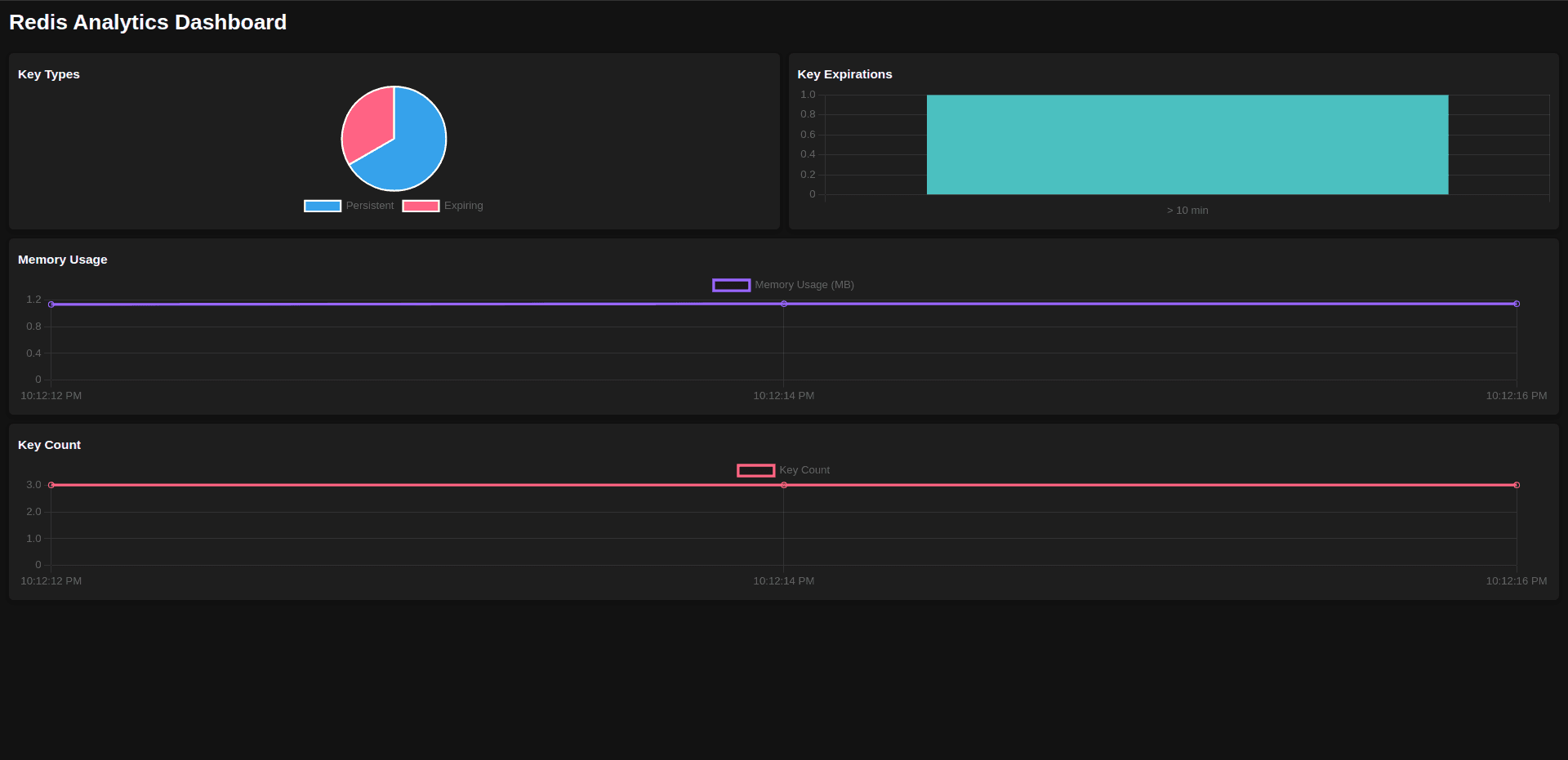
RediCLI is a powerful terminal-based tool built with Go for optimizing Redis performance. It features an interactive TUI, command auto-completion, real-time analytics, and advanced key management. With multi-instance support, data import and export, and a color-coded interface, it streamlines Redis administration with speed and efficiency.
Optimized for fast execution, low-latency Redis interactions, and real-time analytics.
Install
$ sudo snap install redicli --edgeBuilt with
Go, Redis, tview, go-redis, fuzzysearch, WebSockets
What it does
- Interactive terminal interface
- Command auto-completion and suggestions
- Built-in analytics dashboard
- Import and export data from CSV and XLSX files
- Advanced key management with TTL support
- Connection management for multiple Redis instances
- Color-coded interface for better readability
Commands
Basic
get <key>retrieve the value of a keyset <key> <value>set the string value of a keydel <key>delete a keykeys <pattern>find all keys matching a patternttl <key>get the time to live for a keyexpire <key> <seconds>set a key's time to live in seconds
Advanced
key filter setopen form to set a key with TTL in millisecondskey filter updateopen form to update a key with KEEPTTL optionflushalldelete all keys (use with caution)see analyticsopen analytics dashboard in browser
Data
importimport data from CSV/XLSX fileexportexport data to CSV fileimport ./path/to/file.csvdirect import from file pathexport ./path/to/file.csvdirect export to file path
Connection
add connectionadd and connect to a new Redis instanceview all connectionslist all saved Redis connectionsconnect <name>connect to a saved Redis connectiondel connection <name>delete a specific saved connectiondel all connectionsdelete all saved connections
Interface
clear allclear console and logs screenclear logsclear logs screenclear displayclear display screenhelpdisplay help informationquitexit RediCLI
Shortcuts
- Tab: cycle through command suggestions
- Up and Down arrows: navigate command history
- Enter: execute command